
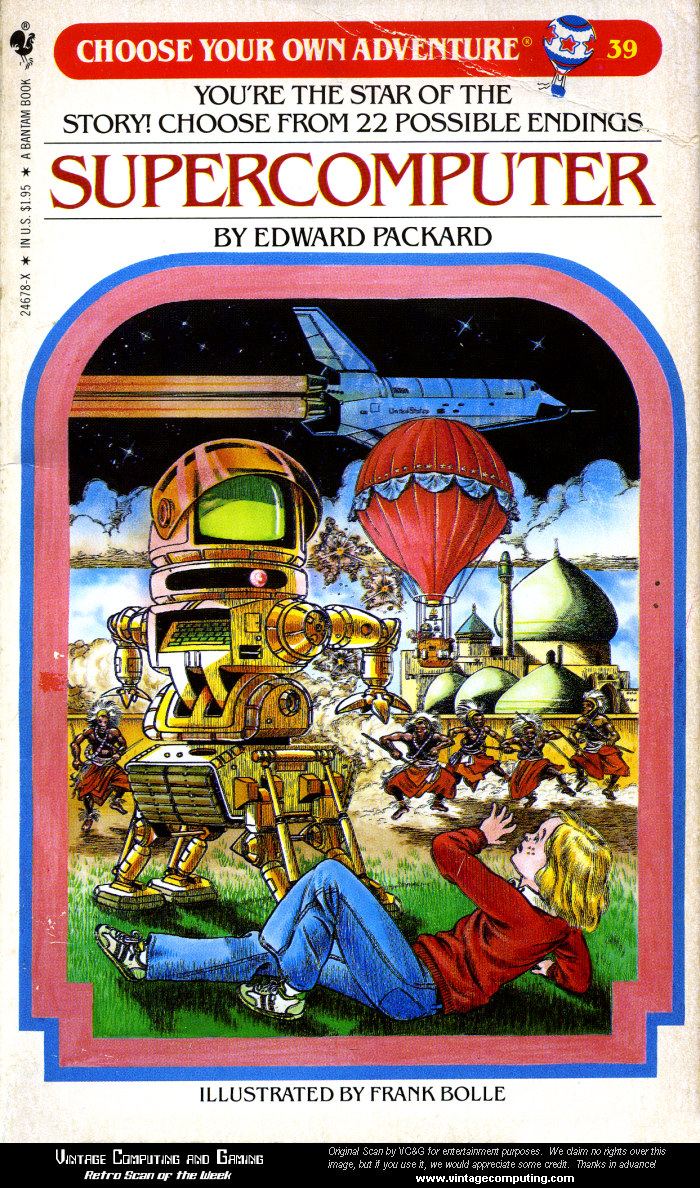
 Today, we'll learn how to make an interactive powerpoint by making an interactive - choose your own ending - type story in powerpoint.
Mr. Strusz will take you through some instructions on how to hyperlink slides.
Your story needs at least 4 different endings with at least 2 different splits along the way and no dead ends. Each slide should also have a picture.
Name it: LASTNAME Powerpoint Story.
Upload to Folder 5.6


No comments:
Post a Comment