
1. Save as jpeg & Upload into: 04 - Teen Magazine / Photoshop Intro
2. Save as AI (INCLUDE LINKED LAYERS) Upload to 04 - Teen Magazine / Photoshop Intro
3. In, 04 - Teen Magazine / Photoshop Intro, Create a document describing the C.R.A.P. principle in your design.
--------------
Today we will learn some basics of the Photoshop program, specifically, how to use it to cut out people and things from raster photos.
- Before we begin, make a folder called 04 - Teen Magazine / Photoshop Intro
- Create a subfolder inside of it called: 3 Cutouts
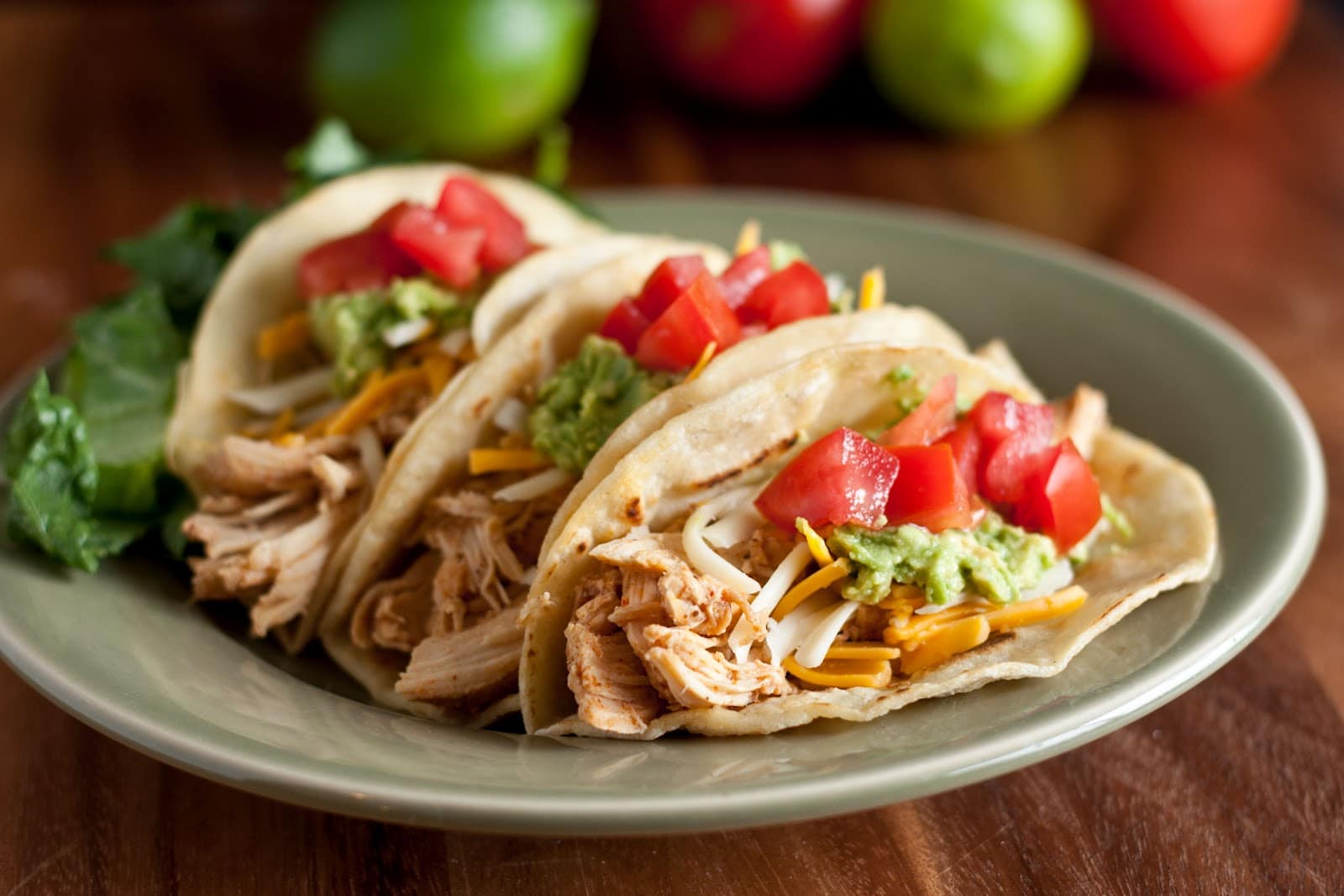
We will practice on the following:
Cutout each of the following objects, and place them in front of another setting.
Mr. Strusz will show you how to do this.


Chicken Taco
-------------
NEW TODAY
Step 2 The Teen Magazine
You are going to design a Tiger Beat, or similar themed cover for our next project.
Your design needs to have at least 5 people cutouts. The cutouts should have at least the person's head and shoulders. At least 3 have to be people you know personally. Try to cut out at least 2 people today, if not more. Save them as Photoshop files (.psd).
Places to look for pics of WLA People
1. WLA Google+ Photo Gallary
2. Facebook
3. Christmas Concert
4. Homecoming Highlights
5. Spring Play Pics


No comments:
Post a Comment